Claude Takes the Wheel: Anthropic Ships Research Preview Letting AI Control Your Mac
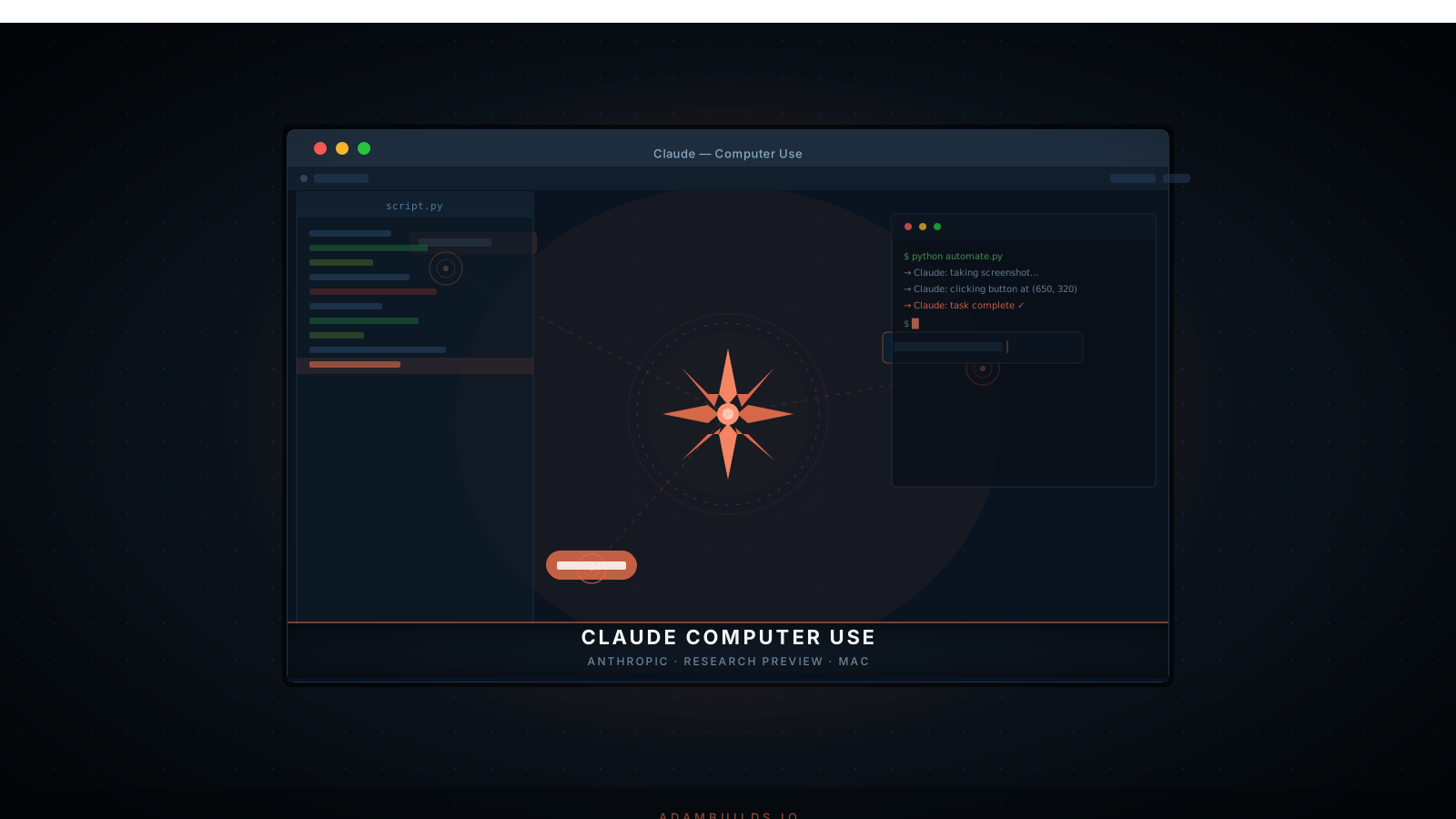
The Desktop AI Revolution Has Arrived
On March 25, 2026, Anthropic quietly shipped what may be the most consequential product update in the company's history. The research preview of Claude Computer Use for Mac gives Claude the ability to directly see and interact with a macOS desktop — moving the cursor, clicking buttons, typing into fields, reading screen content, and navigating applications with the same fluidity as a human operator sitting at the keyboard.
This is not another chatbot upgrade. This is not a smarter autocomplete. This is a fundamental shift in what an AI system can do. For the first time, Claude can be handed a Mac and a task — "file these expense reports," "find and summarize every open support ticket," "run the regression tests and open a PR" — and execute it end to end, without a human touching a single key. The era of the AI coworker is no longer a roadmap item. It's here.
The announcement marks a significant escalation in the race toward desktop-level AI agency, moving beyond the browser-automation tools that have dominated the automation landscape since 2024. While tools like Playwright, Puppeteer, and even OpenAI's browser-native agents remain confined to web interfaces, Claude Computer Use operates at the operating system layer — capable of interacting with any native Mac application, from Xcode to Excel to Finder.
What Is Claude Computer Use for Mac?
At its core, Claude Computer Use is a capability that allows Claude to perceive a Mac screen and take actions on it. It operates through a vision-action feedback loop: Claude takes a screenshot of the current screen state, interprets what it sees using its multimodal vision capabilities, decides on the next action, executes it, and then repeats the cycle until the task is complete.
The key distinction from browser-based automation tools is scope. Claude Computer Use is not limited to web pages or specific APIs. It can interact with any pixel on the screen — a legacy desktop application with no public API, a proprietary internal tool, a native macOS dialog box, or a Terminal window running a local server. If a human can operate it by looking at a screen and using a keyboard and mouse, Claude can too.
The current research preview gives access to three core tools that Claude can invoke:
computertool — Takes a screenshot and optionally performs mouse and keyboard actions (click, type, drag, scroll, key combinations)bashtool — Executes shell commands in a Terminal environmenttext_editortool — Reads and writes to files with precise control
Critically, this is not a passive "describe what you see" capability. Claude is an active agent in these interactions — it makes decisions, adapts to unexpected screen states, handles errors, and self-corrects when an action doesn't produce the expected result.
Under the Hood: How Claude Sees and Acts
The technical architecture behind Computer Use is deceptively elegant. Claude's vision model — the same multimodal stack powering its image understanding in standard API calls — is applied to desktop screenshots. The model processes the full screen image, identifies UI elements (buttons, text fields, menus, windows), reads text rendered at any size, and reasons about the spatial layout of the interface to determine precise click targets.
Between each action, Claude re-evaluates. This "perceive → reason → act → perceive" loop is what separates it from traditional robotic process automation (RPA), which relies on fragile coordinate-based scripts that break the moment a window moves or a UI is updated. Claude's approach is adaptive. If an expected dialog doesn't appear, it investigates. If a button is grayed out, it considers alternatives. If an error message surfaces, it reads it and adjusts its strategy.
The preview operates through the standard Anthropic API, requiring no proprietary Mac agent installed on the host machine for sandbox testing. Developers can spin up a sandboxed macOS environment, point Claude at it via screenshot feed, and begin issuing high-level instructions within minutes of setup.
Four Use Cases That Redefine What "Automation" Means
1. Software QA and Regression Testing
One of the most immediately impactful applications is in software quality assurance. Traditional automated UI testing requires QA engineers to write and maintain detailed test scripts — brittle Selenium or XCUITest suites that must be updated every time the UI changes. Claude Computer Use can replace this entire paradigm.
Describe the expected behavior in plain language. Claude navigates to each screen, fills in test inputs, clicks through user flows, and reports deviations from expected outcomes. When a UI is redesigned, there are no scripts to update — Claude simply reads the new layout and continues. For a mid-sized SaaS product running 200+ UI test cases per release, this alone could eliminate weeks of QA overhead per quarter.
2. Legacy Application Automation and Data Migration
Every enterprise has at least one critical workflow that runs on a tool with no API — an ancient ERP system, a proprietary desktop database, an internal tool built in the early 2000s that nobody wants to touch. Integrating these systems with modern infrastructure has historically required either expensive custom integration work or armies of manual data-entry staff.
Claude Computer Use changes this equation entirely. Point Claude at the legacy application, describe the extraction or data-entry task, and it executes — reading data field by field, navigating between screens, and moving information to wherever it needs to go. For organizations processing thousands of records through these systems daily, the productivity gain is transformational.
3. Developer Workflows and Engineering Acceleration
For engineers specifically, the possibilities are profound. Imagine a workflow where Claude scaffolds a new feature branch — creating the file structure, writing boilerplate code, running the test suite, interpreting the output, fixing any failures it introduced, opening a pull request in GitHub Desktop with a structured description, and assigning it to the right reviewer. All triggered by a single natural-language instruction.
This isn't hypothetical. Early adopters in the developer tools space have already demonstrated Claude executing multi-step engineering tasks spanning Terminal, VS Code, and GitHub Desktop without human handoffs between steps. At AdamBuilds, we are particularly excited about what this means for our own internal deployment workflows — the ability to chain code generation, testing, and deployment steps into fully autonomous pipelines.
4. Accessibility and Assistive Technology
Perhaps the most meaningful use case — and one that tends to get overshadowed by the enterprise narrative — is accessibility. For users with motor disabilities, repetitive strain injuries, or conditions affecting fine motor control, navigating a complex Mac interface can be exhausting and limiting. Current accessibility tools like VoiceControl and Switch Control are powerful but require significant configuration and learning curves.
Claude Computer Use offers a more conversational alternative: describe what you want to accomplish in plain language, and Claude handles every click, drag, and keystroke on your behalf. For this population, this isn't a productivity enhancement — it's a meaningful expansion of what's possible on a computer.
What Enterprises Need to Know Before Deploying
The research preview label is not a formality. Anthropic is transparent that Computer Use at this stage requires careful deployment considerations. The most important recommendation from Anthropic's own documentation: run Claude in a sandboxed virtual machine that has no access to production systems, sensitive credentials, or critical infrastructure.
Why? Claude can make mistakes. It may click the wrong button. It may misinterpret an ambiguous UI state. In a sandbox, these errors are contained and recoverable. In a production environment with real data and real consequences, they could be costly. Anthropic's guidance is clear: treat Computer Use like you would any powerful automation tool — test extensively in staging before any production deployment.
The responsible scaling principles that have defined Anthropic's approach to model releases are very much present here. The company is deliberately releasing this as a research preview — gathering real-world data on how Claude navigates desktop environments, where it succeeds, where it fails, and how human oversight should be structured before this capability is graduated to a production-grade feature.
From Language Model to Digital Coworker
Stepping back from the technical details, the release of Claude Computer Use for Mac represents something larger: the decisive end of AI as a purely conversational tool. For the past three years, LLMs have primarily operated in a question-and-answer paradigm. A human asks, the AI answers. The human then acts on that answer.
Computer Use collapses the gap between the answer and the action. Claude doesn't just tell you how to automate the data migration — it does the migration. It doesn't just describe the terminal commands — it runs them. This shift from advisor to actor is the defining characteristic of the agentic AI era, and it aligns directly with the multi-agent infrastructure that frameworks like LangGraph, CrewAI, and AutoGen have been building toward.
What comes next is predictable: Windows support, tighter OS-level integrations, multi-monitor awareness, and eventually, persistent Claude agents that maintain context across entire working days rather than single tasks. The trajectory points clearly toward a future where AI systems are not tools you pick up and put down, but persistent digital colleagues operating alongside you at the desktop level.
How to Access the Research Preview
Claude Computer Use for Mac is available today through the Anthropic API for developers with API access. Anthropic provides a reference implementation with a sandboxed Docker-based macOS environment to get started without risk to your local system. The API documentation includes detailed guidance on structuring computer use prompts, handling screenshot loops, and implementing appropriate human-in-the-loop checkpoints for higher-stakes operations.
For teams evaluating agentic AI infrastructure, this is the moment to run a proof of concept. The research preview period is exactly the right time to experiment, stress-test, and build intuition for how Claude navigates your specific environment — before the capability reaches production maturity and your competitors are already a year ahead.